30. General Settings » User Authentication
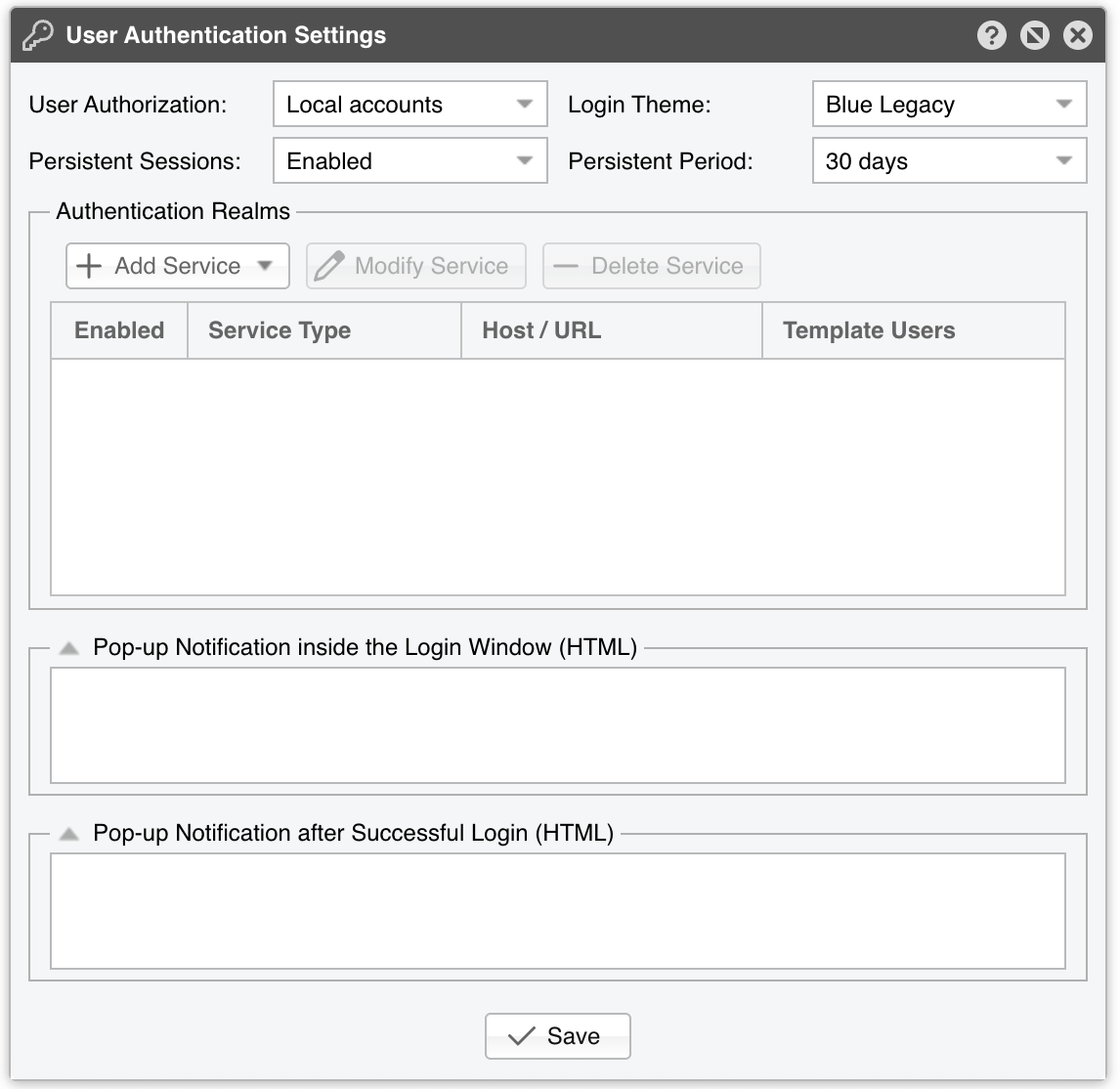
If you need to configure LDAP, RADIUS, SAML 2.0 (SSO) or HTTP Authentication authentication, or enable pop-up notifications during/after login, open Configuration » General Settings » User Authentication.
Note
The [Save] button inside a service dialog only records that service in the Authentication Realms grid. Adding, modifying, deleting, enabling or disabling, and reordering services all take effect after you click [Save] at the bottom of the User Authentication panel. Deleting a service requires the Administrator role.
30.1. LDAP
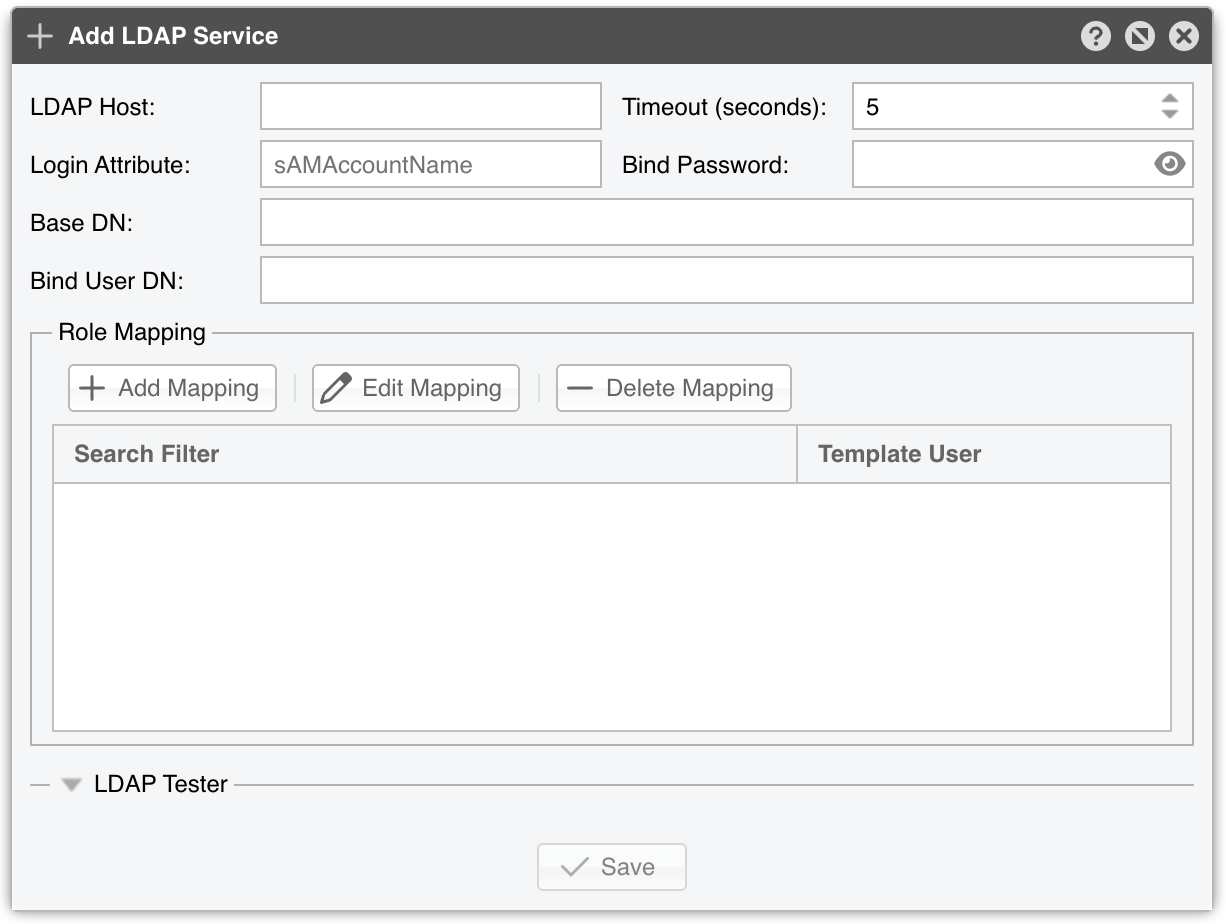
|(department=*NOC*)(department=ISP) matches any user in a department containing NOC or exactly ISP — the initial | (pipe) is a logical OR across each parenthesized expressionNote
For troubleshooting the LDAP Service, try these commands:
✔ tcpdump -i <ethernet interface> -n -X host <LDAP IP> displays the packets exchanged between the Console and the LDAP host✔ ldapsearch -x -LLL -H “<LDAP Host>” -D “<Bind User DN>” -b “<Base DN>” -w “<Bind Password>” -E pr=2000000/noprompt -o ldif-wrap=no dumps the entire LDAP structure, which helps you find the correct Search Filter
30.2. RADIUS
30.3. SAML 2.0 (SSO)
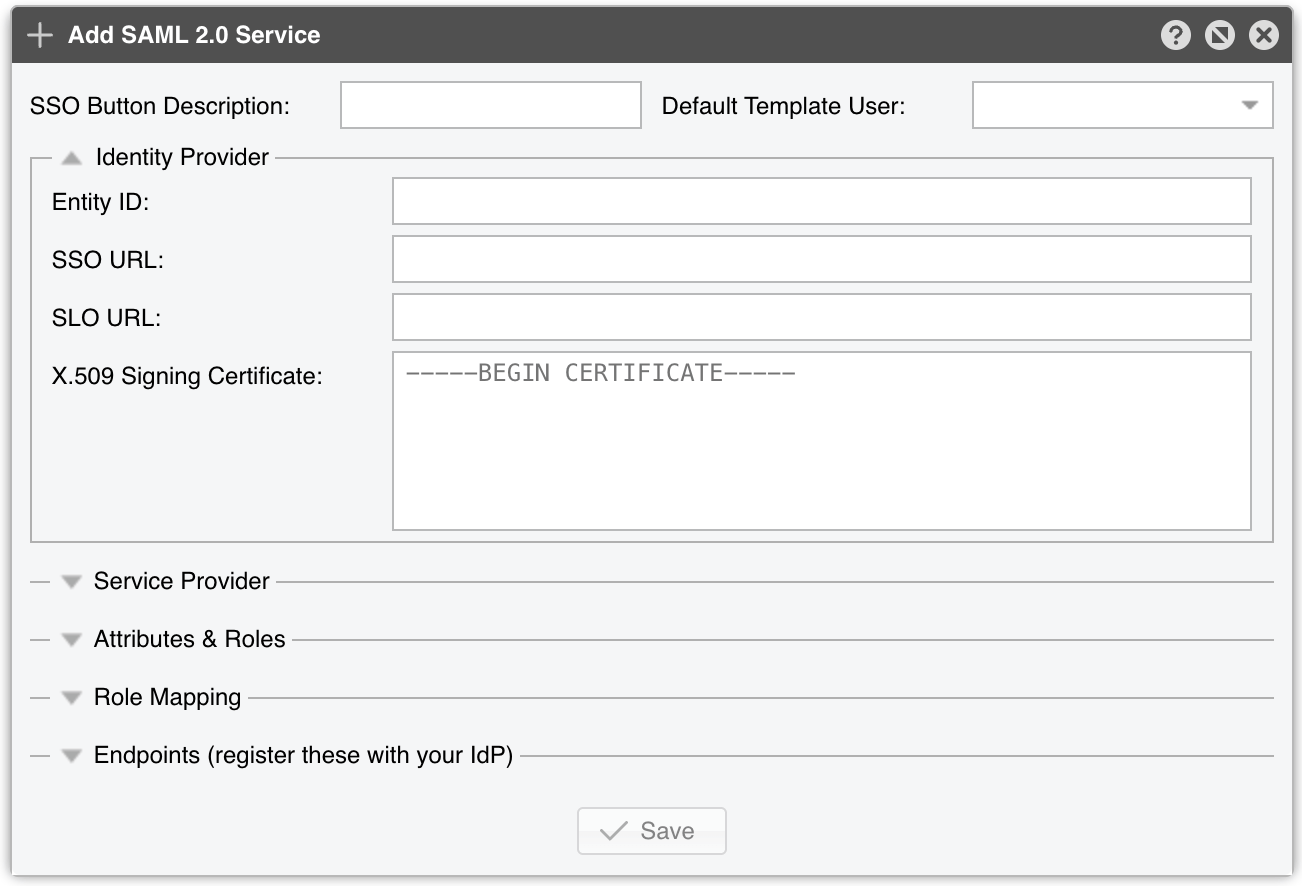
Single Sign-On lets users authenticate through an external SAML 2.0 Identity Provider (IdP) such as Microsoft Entra ID, Okta, Google Workspace, Keycloak or ADFS. The Console acts as a SAML Service Provider: when at least one provider is enabled, an additional SSO button appears to the right of Log In on the login page and redirects the user to the IdP. Multi-factor authentication is delegated to the IdP.
Note
Because the Console can be installed on many machines with different hostnames, the Endpoints are derived from the address used to reach the Console (or from the optional Base URL Override), so they appear only after the configuration is first saved. Register the ACS URL and Metadata URL with your Identity Provider, and ensure the IdP releases a NameID or username attribute that matches a Console username, or that a Role Mapping rule covers the user’s group.
30.4. HTTP Authentication
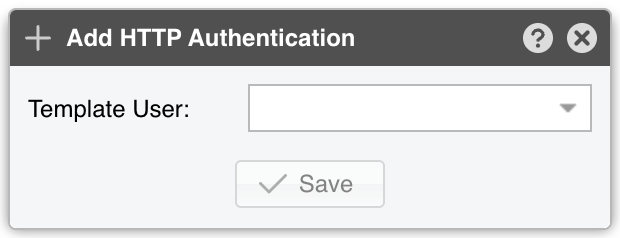
Use this service to delegate authentication to the web server hosting the Console. When the web server authenticates users itself through HTTP Basic Authentication (for example, Apache with mod_auth_basic, possibly backed by an SSO module), the Console trusts the username already authenticated by the web server and logs the user in directly.